Silent Mouse Technology: How Quiet Click Switches Work
By Lars Nystrom • 11th Aug
Quick answer
Logitech’s 2016 Silent Mice design reduces noise by damping vibration at the click switch, then addressing sound from the shell, wheel, and glide feet. This is one manufacturer’s implementation—not a universal blueprint.
- Why it matters: The M330 Silent Plus measured 25 dBA for maximum left-click sound in Logitech’s stated test setup, compared with 36.1 dBA minimum for the M170. These figures are model- and method-specific, not a universal ranking.
- What to check: “Silent” does not mean soundless: scrolling, movement across the desk, and case resonance can remain audible. Compare the controls you use most, and treat percentage claims as meaningful only when their baseline and test method are clear.
Silent mouse technology and quiet click switch design aim at a simple but easily misunderstood goal: reduce the sharp, repetitive sound of clicking without turning a mouse into a vague, mushy input device. For shared offices, calls, and late-night work, that change can matter, but the useful way to assess it is as a system problem, not a single-switch marketing label. The click mechanism is central, yet the scroll wheel, feet, and internal shell can also contribute to what people hear.
The Core Comparison: A Click Is a System, Not One Sound
In Logitech's 2016 Silent Mice design, the switches were intended to reduce clicking sound while retaining tactile feedback similar to non-silent models. The documented implementation focuses on limiting vibration and sound from the mouse assembly.
Logitech's 2016 white paper on its Silent Mice identifies three relevant noise sources:
- The switches beneath left, right, and middle click buttons
- The wheel module
- The glide feet moving across a surface
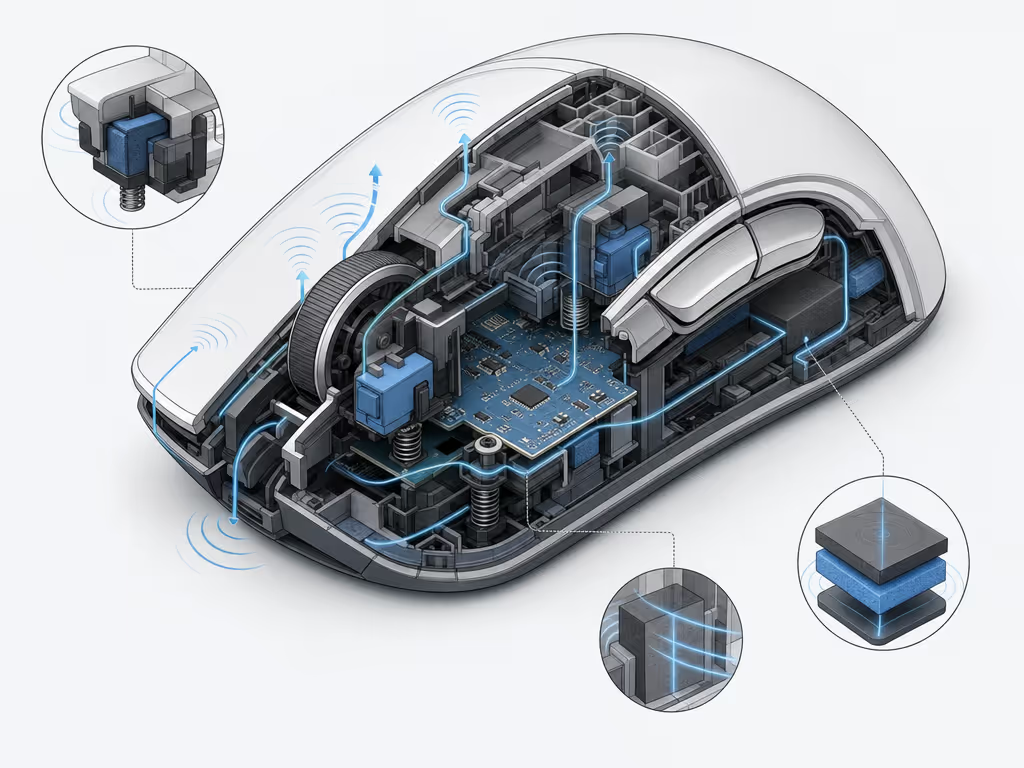
It also notes that an open cavity beneath the keyplate can amplify sound inside the shell. That is the key comparison to keep in mind when reading claims about mouse click noise reduction: a quiet primary switch does not automatically make every interaction quiet.
| Design question | Typical audible outcome when not addressed | Quiet-mouse approach documented in Logitech's 2016 design |
|---|---|---|
| Click-switch vibration | A distinct click can dominate the sound profile | A rubber actuator dampens vibration and sound |
| Tactile feedback | Damping can risk making a click feel less defined | A plastic cap over the actuator was designed to improve feedback |
| Case resonance | The body can echo or amplify internal noise | Internal plastic ribs act as barriers to damp sound and reduce echo |
| Desk contact and movement | Gliding can add its own surface noise | The design considered glide-foot material alongside the switch |
| Scrolling | Wheel noise remains separate from the primary click | The wheel module is treated as its own noise source |
The important limitation: this is a documented Logitech implementation, not a universal blueprint for every quiet computer mouse. The paper does not establish a construction standard beyond Logitech's implementation.
How a Quiet Click Switch Design Reduces Noise
1. Damping at the actuator
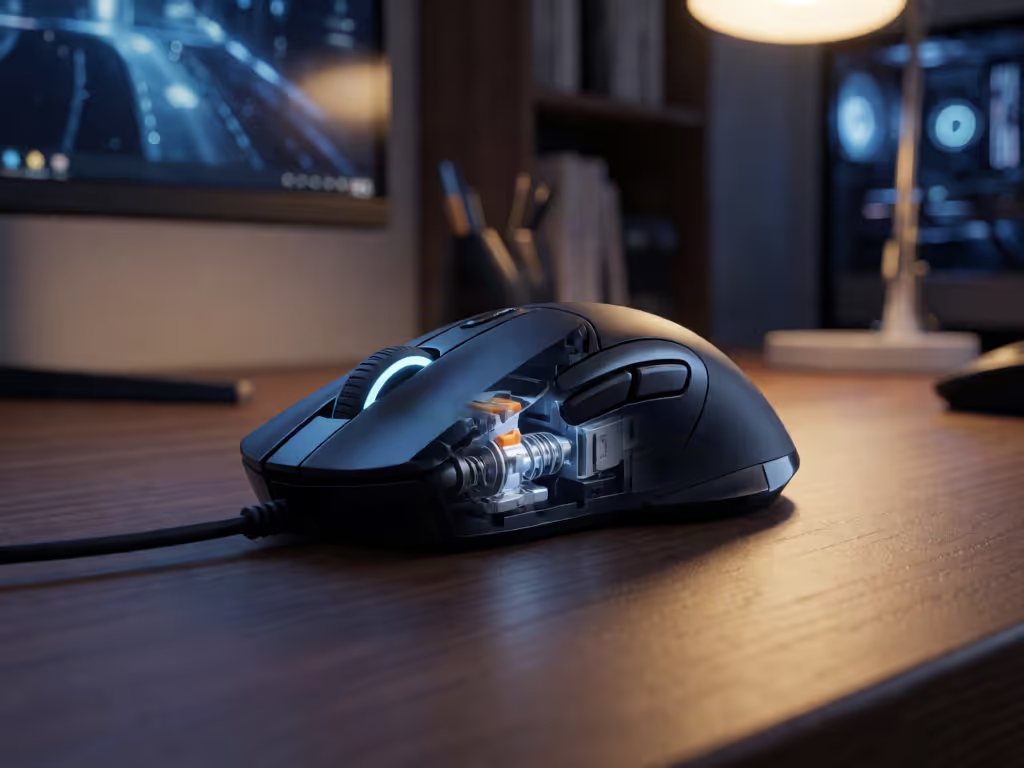
In Logitech's described Silent Mice assembly, a rubber actuator is used in the click switch. Logitech says this part damps vibration and sound. That is the direct acoustic move: less vibration in the mechanism means less energy available to become the crisp click heard outside the mouse.
Damping alone is not the whole interaction. A mouse button is a frequent, high-repetition control; if the response becomes ambiguous, users tend to press harder or hesitate before committing. That is friction-hunting in the wrong place. Logitech's design therefore placed a red plastic cap over the rubber actuator, stating that it improves tactile feedback and lengthens switch lifespan. The white paper gives that switch assembly a manufacturer-stated lifespan of 5 million cycles.
This pairing explains why "quiet" need not mean "no feedback". The engineering target is a cleaner signal: your finger should still register a completed click while your nearby colleague hears far less of it.
2. Controlling resonance in the shell
A mouse body is a small enclosure. When a button mechanism sends vibration into it, empty internal space can contribute an echo-like effect. Logitech's documented answer was plastic ribs inside the housing. The company describes them as internal barriers that damp sound and reduce echo in the cavity.
This is also why listening only to a switch in isolation can be misleading. In practical use, the button, shell, wheel, feet, desk surface, and the way a person grips the mouse form one acoustic chain.
3. Reducing non-click noise
Silent office peripherals should be evaluated beyond the left and right buttons. Logitech's paper states that its Silent Mice used a glide-foot material it calls Plastic Lumber, which it reported as quieter and more durable than UPE and PTFE alternatives. That is a manufacturer comparison specific to that design, not a general ranking of mouse-foot materials.
The wheel is similarly independent. A mouse can have notably reduced primary-click noise yet still produce audible scrolling. If you spend hours navigating spreadsheets, timelines, CAD views, or long documents, test the controls you will actually use, not merely the headline feature.
What the Decibel Data Actually Says
Numbers help only when their measurement conditions and definitions stay attached. Logitech's 2016 paper describes acoustic tests performed in an anechoic chamber with background noise below 6 dBA. The test equipment was positioned 1 meter from the mouse center, with measurements taken at four angles around the mouse.
For that test setup, the paper reported:
- A maximum left-click sound pressure level of 25 dBA for the Logitech M330 Silent Plus
- A minimum measurement of 36.1 dBA for the Logitech M170
- A calculated 93.3% sound-power-level reduction in the M330-versus-M170 comparison
Those "decibel levels for mouse clicks" are useful as a tightly bounded example, not a universal leaderboard. The 25 dBA value is a reported maximum for the M330's left click in that specific test. The 36.1 dBA figure is a reported minimum for the comparison model. And the 93.3% figure is a sound-power calculation, not "93.3% fewer dBA".
Compare quiet-click claims by their test context, not by a percentage alone.
For a current product-level example, Logitech says its M330 Silent Plus reduces clicking sounds by more than 90%. That model illustrates the type of quiet-click positioning intended for everyday shared environments.
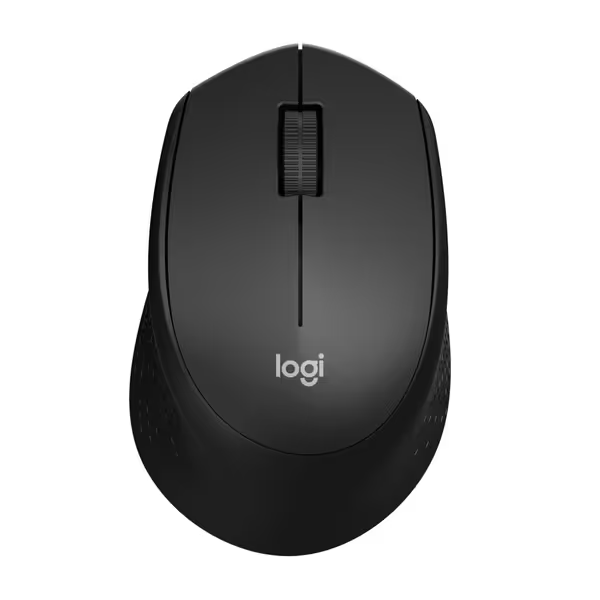
Logitech M330 Silent Plus Wireless Mouse
Silent, comfortable, and long-lasting for focused, pain-free work.
$17.99
Click Noise Reduction90%+ Quieter
Click Noise Reduction90%+ Quieter
Pros
Ultra-quiet clicks for distraction-free work.
Ergonomic, contoured design prevents hand fatigue.
Cons
Side grip may feel less secure for some users.
Customers praise its silent operation, comfortable fit, and good battery life for everyday use.
Customers praise its silent operation, comfortable fit, and good battery life for everyday use.
Logitech also says its MX Master 3S Quiet Clicks provide soft tactile feedback with 90% less click noise. The comparison in its product claim is to the earlier MX Master 3, rather than to every ordinary mouse. That difference in baseline is precisely why two "90% less" claims should not be treated as identical performance measurements.
Quiet Clicks vs. Workflow Feel: The Comparison That Matters Daily
Noise is only one input criterion. A lower-noise click that disrupts hand position, makes side buttons hard to reach, or requires an awkward grip is not a productivity upgrade. The quiet computer mouse guide below keeps the decision ordered.
Start with the noise source that affects your environment
Use a quiet-click design when primary-button sound is the repeated disturbance: conference calls, open-plan desks, and late home sessions are the situations Logitech specifically discusses in its white paper. If scrolling is your dominant action, assess wheel behavior separately. If you move the mouse constantly, include feet-on-surface sound in the evaluation.
Then map physical controls to the work
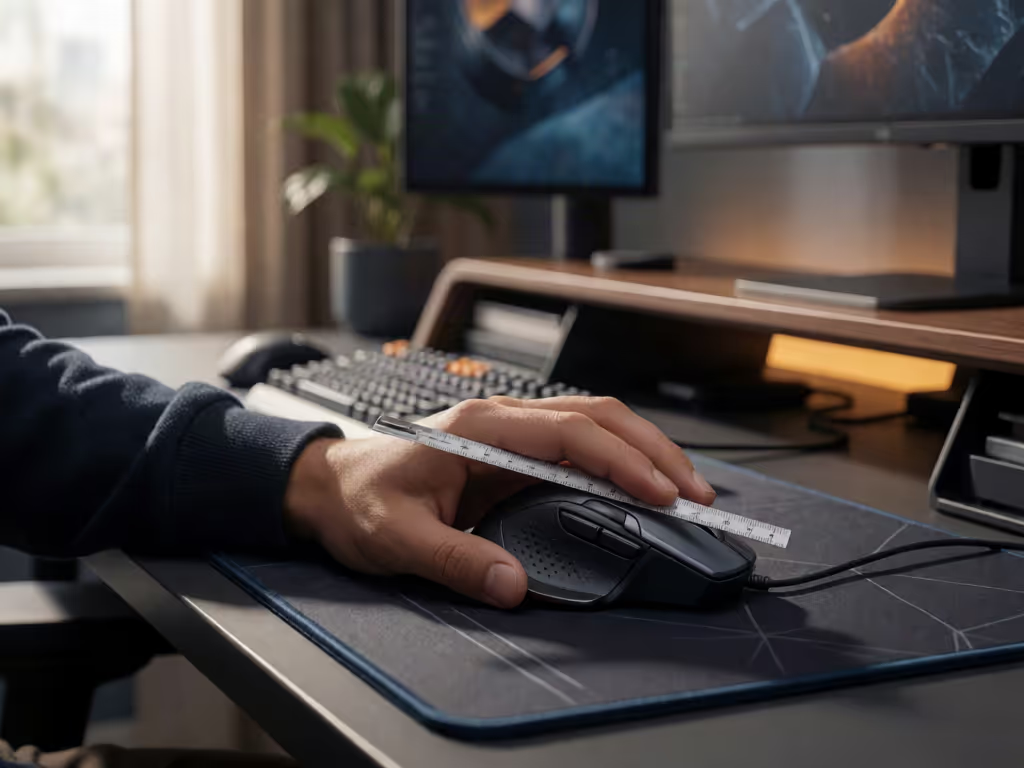
For creators and technical users moving between applications and machines, a consistent button layout can remove more mental drag than another marginal specification. I learned this while juggling a design tablet, macOS shortcuts, and Windows CAD hotkeys: keeping the thumb cluster logically consistent across systems reduced the pause before each action.
Map intent to buttons; your mouse becomes muscle memory. A back button should be back, a precision action should remain a precision action, and a device-switch workflow should not force a new control map. Aim for one schema everywhere.
Treat software and acoustics as separate decisions
A quiet click is a physical behavior. For the MX Master 3S, Logitech's Quiet Clicks claim addresses click noise. Separate physical click-noise claims from other model features when comparing mice: basic pointing and clicking needs should remain useful even if you decide not to add software complexity.
FAQ
Do silent computer mice exist?
Yes. Logitech documents reduced-click-noise models including the M330 Silent Plus and MX Master 3S. An independent review of the Razer Pro Click Mini also reports that its silent switches produce very little noise.
Are silent mice truly silent?
No. "Silent" is best understood as substantially reduced click noise, not an absence of all sound. Logitech's own technical discussion identifies the wheel module, gliding feet, and internal case resonance as additional sources.
The Practical Takeaway
Silent mouse technology works when designers reduce vibration at the click mechanism and account for the rest of the mouse as an acoustic system. Logitech's documented approach combines a damped actuator with feedback-oriented switch components, shell-resonance control, and attention to feet and wheel noise. Its measured M330 example shows why the result can be meaningful, while also showing why percentages and dBA figures need their full test context.
For further exploration, listen for the complete interaction pattern you use most (clicking, scrolling, and moving), then weigh it alongside fit and button logic. A lower-noise mouse is most valuable when it reduces distraction without adding a new layer of physical or workflow friction.
Related Articles