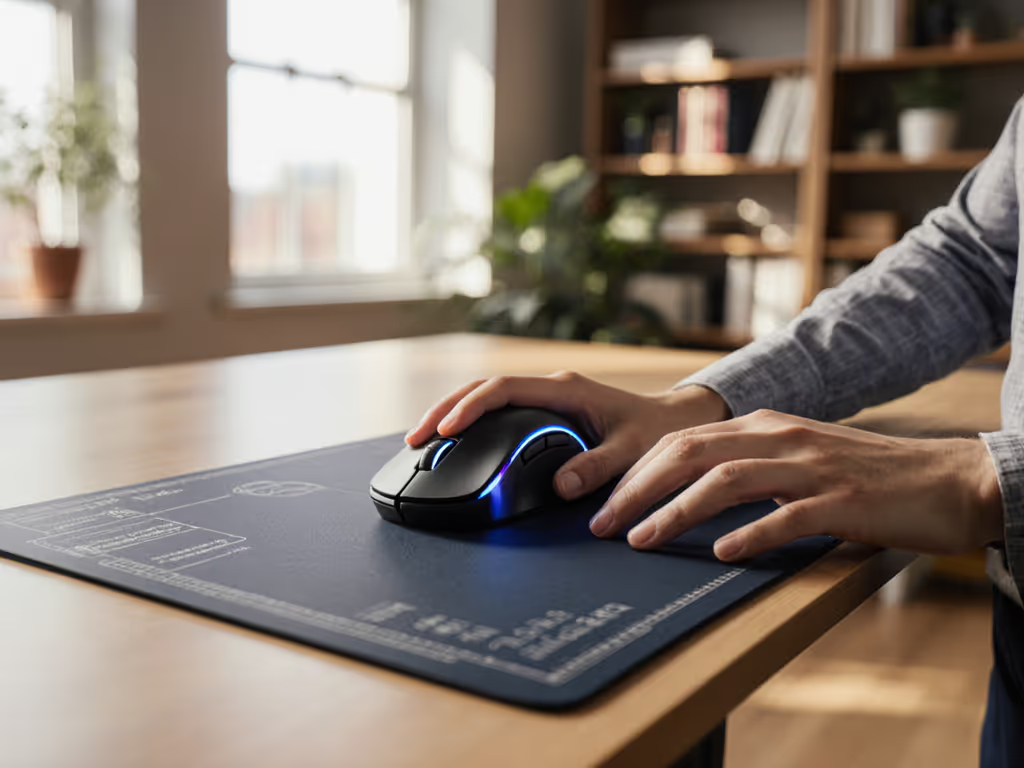

Pen Mouse vs Ergonomic PC Mouse: Which Really Eases Wrist Pain
By Sofia Alvarez • 6th Sep
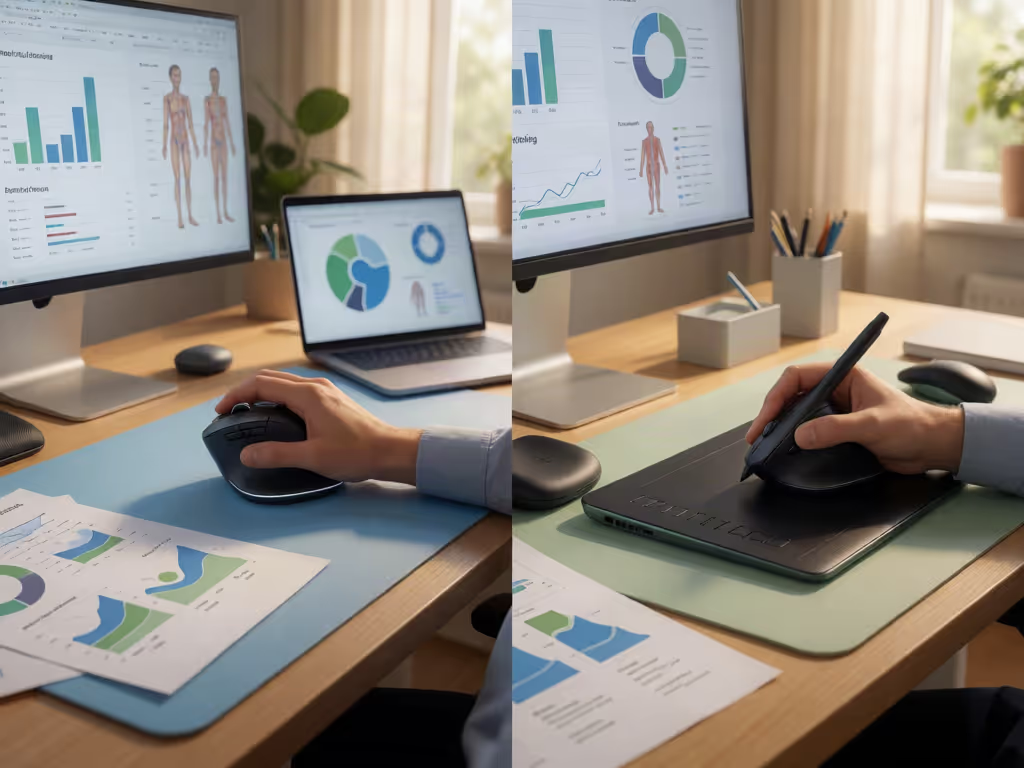
Quick verdict
For wrist-pain concerns, a correctly sized vertical or column mouse is the more defensible first choice than a pen mouse.
- Choose the vertical option if: Your priority is testing a style that workplace guidance describes as maintaining a neutral handshake wrist position and encouraging whole-arm movement during ordinary computer work.
- Choose a pen mouse if: You specifically prefer pen-like pointer control and can test it through a painless, returnable trial; the available evidence does not establish its posture, fit, or comfort benefits.
- Main trade-off: Vertical mice offer a clearer ergonomic hypothesis, while pen mice remain a preference-based experiment.
Important: Persistent, recurrent, severe, numb, tingling, or weakening hand symptoms warrant clinical assessment rather than relying on a mouse change alone.
If you are comparing an ergonomic PC mouse with a pen-style device because your wrist hurts, the evidence points to a more careful answer than "buy the unusual-looking one." A properly fitted vertical or column mouse has a documented posture advantage: it can keep the hand and wrist in a neutral handshake position. For pen mice, the evidence reviewed here does not establish pain relief, prevention, or a consistent posture across the category. And if your search began with a cheap PC mouse, do not let the price tag become the decision rule; the better value is the device and desk setup you can use with a relaxed, neutral position over time.
Pay for performance, not paint, packaging, or promises (especially when comfort is the performance that matters).
The plain verdict
For most people trying to reduce wrist strain during ordinary computer work, a correctly sized vertical or column mouse is the more defensible first option than a pen mouse.
That is not a clinical promise. The evidence reviewed here does not establish that any device in this comparison treats wrist pain or prevents carpal tunnel syndrome. But occupational ergonomics guidance specifically describes vertical or column mice as keeping the hand and wrist in a neutral handshake position and encouraging movement from the whole arm rather than only the wrist. Those are relevant ergonomic design checkpoints when repetitive mousing is the aggravating activity.
A pen mouse may be a workable pointer for a particular person, but the available information does not establish how pen-style mice position the wrist, how they fit different hands, or whether they reduce strain. Do not mistake novelty for an ergonomic mechanism.
What you are actually comparing
A regular mouse and an ergonomic mouse
A traditional computer mouse is typically teardrop shaped and symmetrical from side to side. It can be comfortable when its size and shape fit your hand, but comfort depends heavily on how you reach it, grip it, and move it. Your natural mouse grip style also affects whether a shape feels stable without requiring excessive pressure.
"Ergonomic mouse" is a broad label, not a guarantee. The useful subset here is the vertical or column mouse, which government workplace guidance characterizes as maintaining a neutral handshake position for the hand and wrist.
That makes the pen mouse vs regular mouse decision slightly misleading. The most meaningful contrast is not pen versus any normal mouse; it is a lightly gripped, well-fitted pointing device used with straight wrists versus any device that forces an awkward reach, hard grip, or bent wrist.
What a pen mouse is - and what remains unknown
The evidence available for pen-style devices is limited to a retailer description of one pen-like pointer operated by moving its tip across a surface. In the retailer listing retrieved in September 2026, that device was described as having a scroll wheel, two programmable buttons, and three DPI-speed settings; the listing marketed it for travel, digital presentations, and detailed creative work.
Those features tell you it is a computer pointer, not that it acts like a handwriting tablet or delivers stylus-like handwriting capture. They also do not establish wrist posture, hand-size compatibility, long-session comfort, or pain reduction for pen mice as a category.
A mini pen mouse can therefore be approached as a specialized input experiment; the available evidence does not establish it as an ergonomic upgrade. If you cannot return it after a realistic trial, the risk is hard to justify when pain is already part of the equation.

The posture factors that matter more than the label
The best mouse is not universally vertical, pen-shaped, wireless, or expensive. It is the one that lets you meet these practical conditions consistently.
1. Neutral wrist position
Keep the forearm, wrist, and fingers in a straight line as much as practical. CCOHS gives vertical or column mice a specific point to test here: it describes them as maintaining a neutral handshake position for the hand and wrist. That does not mean every vertical shape will fit you, but it gives you a clear posture hypothesis to test.
2. Easy reach
Place the mouse within easy reach on the same surface as the keyboard. Your upper arms should stay close to your body, with hands at or slightly below elbow level. A beautifully shaped mouse still loses if it sits too far out to the side and makes you reach all day.
3. Low grip force
Use a loose, relaxed grip. Buttons should respond to a light touch without triggering accidentally. If a device makes you clamp down to control it or stabilize your fingers, the apparent comfort of its shape is not translating into sustainable use.
4. Arm-led movement
Initiate cursor movement from the elbow rather than only flicking the wrist. This is another reason vertical designs deserve a first look: workplace guidance specifically notes that column mice encourage whole-arm movement.
5. Controls you can reach without stretching
Your main buttons, wheel, and any thumb controls should be comfortably reachable, while the palm is supported. Larger hands may need more palm room; compact designs may suit portability or fingertip-driven control. Neither is inherently better. Fit is the variable.
A low-risk way to choose between them
You do not need a lab full of gear to make a quality-aware decision. You need a controlled trial that separates immediate novelty from end-of-day comfort.
Start with the vertical/column option if your goal is wrist posture
Try a vertical mouse first when your current setup leaves your wrist bent or your hand rotated uncomfortably. CCOHS's description of this category directly aligns with neutral wrist positioning. In Logitech's product listing retrieved in September 2026, Lift Vertical Ergonomic Mouse was marketed with a 57-degree angle for small to medium hands, with a left-handed option. Treat those as manufacturer fit claims (not proof that it will relieve your symptoms), but they illustrate why size and handedness must be part of the purchase decision.
Consider a pen mouse only for a narrowly preferred interaction style
A pen-style pointer may be worth trying if you specifically prefer controlling a cursor with a pen-like device and have a painless, returnable way to test it. Do not buy it on the assumption that "pen" automatically means natural, handwriting-capable, compact-workspace friendly, or therapeutic. Those claims are not established by the available evidence.
Use a short fit checklist
Before keeping either style, check whether you can:
- Rest your palm or hand without holding it tense.
- Reach click, scroll, and side controls without finger strain.
- Keep your wrist straight while the mouse stays close to the keyboard.
- Move the pointer with your elbow and forearm, not repeated wrist-only motions.
- Use the buttons with a light touch.
A good first hour is not enough. Comfort that disappears after a long work block is a poor ROI. The principle is simple: sustained, usable fit beats first-day excitement.
Your workstation can outweigh the mouse choice
A wireless mouse search often starts with features, but no wireless feature fixes a poor reach distance or a sharply bent wrist. Whether you use a wireless mouse with a laptop or another setup, place the mouse within easy reach on the same surface as the keyboard.
Make the setup change before declaring any mouse a failure:
- Bring the pointer device beside the keyboard rather than forward or far to the side.
- Set your position so wrists are straight, upper arms are close to your body, and hands sit at or slightly below elbow level.
- Reduce grip pressure and begin larger cursor movements from the elbow.
- Get up and move regularly; stretch your hands, fingers, and arms from time to time.
This is also why I will not recommend a fragile-looking novelty device just because it photographs well. A mouse is a daily-use tool. Its real return is the posture it supports, the fit you can repeat, and the durability that prevents another purchase cycle, not a clever silhouette.
FAQ
What is the best ergonomic mouse?
There is no one best ergonomic mouse for everyone. Choose based on neutral wrist position, correct size, palm support, and easy reach to the buttons and wheel. A vertical mouse is a sensible category to try because CCOHS describes vertical or column mice as maintaining a neutral handshake position, but it still has to fit your hand and workstation.
What is the best mouse to avoid carpal tunnel?
The evidence reviewed here does not support naming a single mouse as the best way to avoid carpal tunnel syndrome. Carpal tunnel should not be reduced to a simplistic "computer use caused it" story; repetitive hand activities can worsen symptoms in susceptible people. Focus on neutral posture, relaxed use, fit, and workstation placement, and seek clinical assessment alongside this wrist-pain mouse guidance for recurring severe pain, numbness, tingling, or milder symptoms that become consistent.
Final verdict: choose the posture you can sustain
For wrist-pain concerns, choose a well-fitted vertical or column mouse before a pen mouse. CCOHS describes the vertical category as maintaining a neutral handshake wrist position and encouraging more whole-arm movement. For pen-style mice, the available evidence does not establish comfort benefits, so treat them as a personal preference trial rather than assuming they are a solution.
The winning purchase is not the one with the most unusual form factor. It is the one that fits your hand, keeps the mouse close, lets you click lightly, and remains comfortable after the novelty wears off. That is how you pay for performance, and avoid paying twice for a device that looked promising but never truly fit.
Related Articles