Best Mice for Crypto Trading: Hotkey Workflows & Charts
By Lars Nystrom • 31st Mar
The best mouse for crypto trading isn't the one with the fastest polling rate or highest DPI, it is the one that collapses the distance between intent and action. When you're managing positions across TradingView, watching order books on three monitors, and executing hotkey sequences under volatile market conditions, your trading platform demands precision, reliability, and a button map that mirrors your workflow rather than fighting it. Most traders default to whatever peripheral they used for email and web browsing. That's where friction compounds, shortcuts scatter across memory, and cognitive load grows with every session.
I spent years switching between a design tablet on macOS, Windows CAD hotkeys, and iOS annotators, each with a different shortcut grammar, each demanding a mental context switch. The turning point came when I consolidated onto a single input device with onboard memory and consistent button logic. Suddenly, one schema everywhere meant I could move between machines and still execute the same gesture to zoom a chart or toggle a timeframe. That shift taught me something traders learn the hard way: map intent to buttons; your mouse becomes muscle memory. The right mouse eliminates the friction that turns a scalp trade into a missed entry.
Why Standard Office Mice Fail in Crypto Trading
Most mice designed for general productivity were built around two assumptions: you'll click checkboxes and scroll documents. Crypto trading demands something radically different.
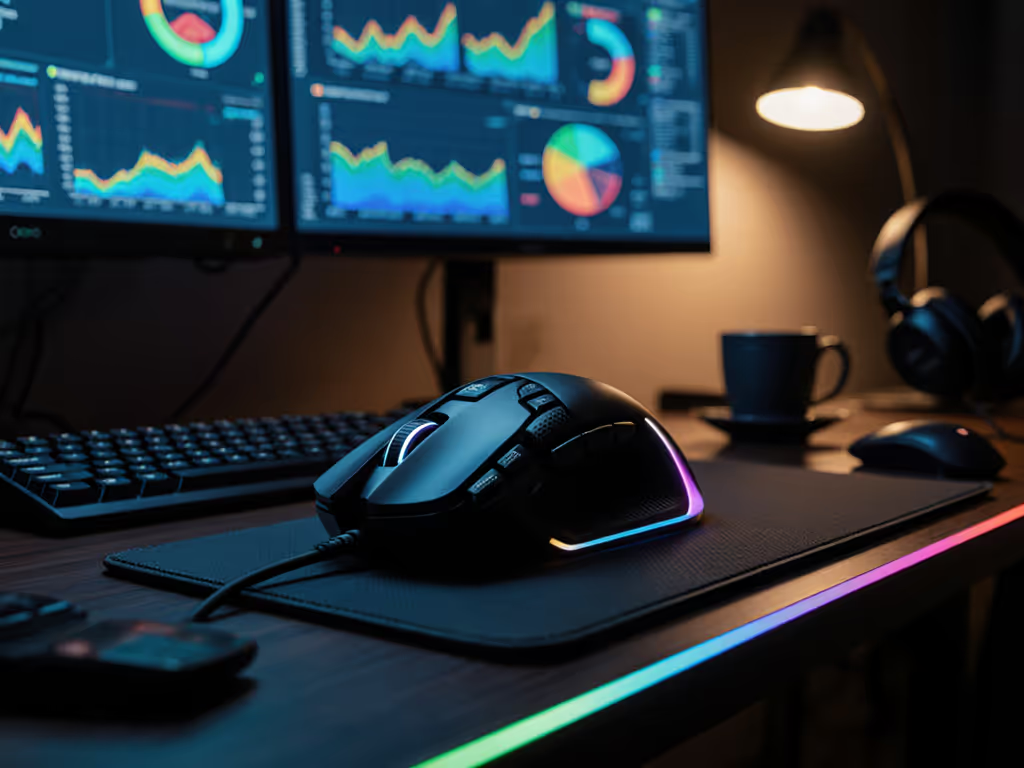
A data-backed reality from recent multi-monitor trader evaluations: the right mouse is the highest-ROI piece of gear in your entire trading setup. If you run multiple monitors, our dual-screen mouse picks can help you reduce cursor travel and strain across wide desktops. This isn't hyperbole. When you're monitoring bitcoin price action on one screen, order-book depth on another, and a macro trading view on a third, every microsecond of cursor transit time and every misclick compounds into real losses.
Here's what breaks down with commodity mice:
Insufficient DPI precision: Standard office mice max out at 3,200-4,000 DPI. Sweeping across six 4K monitors with that limitation means wrist gymnastics and multiple swipes. You're not hunting targets in a game; you're relocating a cursor across a trading floor's worth of data. A trader managing three or four displays requires native DPI in the 8,000+ range to cross screens in a single smooth motion.
Poor button ergonomics for hotkey mapping: Most mice have a primary button, scroll wheel, and maybe two side buttons. Crypto trading workflows demand at least 8–12 programmable buttons so you can bind "Switch to 15-minute timeframe," "Center price on current bar," or "Execute stop-loss order" directly to hardware. Software-driven macros require your trading platform to recognize them; onboard memory means your buttons work whether you're on your desktop, laptop, or a remote trading PC.
Unreliable scroll behavior: A mouse designed for scrolling through email has a single-direction scroll that accelerates. Trading platforms need precision scroll wheels with tactile steps for adjusting leverage, moving stop-loss levels, or flying through historical data. The dual-mode scroll wheel (free-spin for rapid navigation, ratchet for pixel-perfect positioning) is non-existent on mass-market mice.
Lag and sensor instability: Sub-millisecond latency matters less on a spreadsheet than it does when you're entering a limit order across a 40-millisecond candle. Bluetooth mice introduce variable lag, especially over distance or through interference. A 2.4 GHz wireless protocol with stable 1,000 Hz polling (or higher) eliminates perceived stutter and keeps your tracking consistent across fast hand movements and high-volatility price action.
The Anatomy of a Crypto-Trading Mouse
Before comparing specific models, you need to understand which features actually impact your trading performance. This is the system mapping phase, matching specifications to your actual workflow.
Sensor and DPI Architecture
A 32,000 DPI precision sensor with zero acceleration and no angle snapping allows you to maintain consistency across monitor transitions. The critical detail: DPI should be native to the sensor, not interpolated. Native high DPI means the sensor itself measures movement at that resolution; interpolated DPI simulates it by adding extra data points, introducing latency and smoothing artifacts.
For crypto trading, the ideal setup is three to five DPI profiles loaded into onboard memory: a low profile (400-800 DPI) for precise chart annotations, a medium profile (3,200 DPI) for single-monitor work, and a high profile (16,000+ DPI) for cross-monitor sweeps. Your mouse should toggle between them via a side button without any software running.
Button Layout and Programmability
Friction-hunting means examining which commands you execute most during a typical session, then binding them to buttons within thumb reach. A solid crypto-trading mouse provides at least 12 programmable buttons, with the critical caveat that they must work offline (stored in onboard memory, not synced to a vendor's cloud account).
Ideally, your button cluster follows a logical architecture:
- Primary thumb buttons (two side buttons): Quick toggles like "Change timeframe" or "Switch instrument."
- Secondary thumb region (gesture button or lower palm buttons): Commands that require deliberation, like "Edit order" or "Review filled trades."
- Mouse wheel (dual-mode): Free-spin for scrolling data, ratchet for precision leverage adjustment.
- Top-of-mouse button (if available): Reserve for emergency functions like "Close all positions" or "Mute alerts."
The key principle: every button should require minimal cognitive load to locate. Your fingers should find them by feel, not by looking at the mouse.
Wireless Reliability and Battery Architecture
A crypto trader can't afford a mouse that drops connection mid-trade. Your wireless protocol should offer:
- Primary 2.4 GHz wireless with guaranteed <1 ms latency and stable 1,000 Hz polling (8,000 Hz for gaming-adjacent traders who want margin).
- Bluetooth 5.3 fallback for seamless device-switching without a second dongle.
- 240-hour battery life with fast-charge: 10 minutes of charging = 24 hours of use. This eliminates the "my mouse died during a key market move" scenario.
- Smart sleep/wake logic that doesn't drop connection when the mouse is idle.
Wired mice eliminate battery anxiety but introduce cable drag, subtle but real fatigue on a ten-hour trading day. Most professional traders accept the wireless reliability trade-off once they've experienced a solid implementation.
Ergonomics and Durability
You're holding this device for 8-14 hours. A full-palm ergonomic shape tested on 500+ trading hands reduces wrist strain and allows for a relaxed grip pressure. Look for:
- Silent primary buttons (using optical switches or sealed mechanisms): Acoustic feedback from clicking builds fatigue and can distract during tense market moves.
- Durable switch rating: 50 million clicks minimum. Traders perform thousands of clicks daily; 50 million clicks = roughly five years of heavy use.
- Textured grip zones: Palms sweat during volatility. A slippery coating invites grip tension and forearm strain.
- Balanced weight distribution: Too heavy (>120 grams) causes shoulder drag; too light (<60 grams) feels unstable during fast movements.
Air Nova Smart Mouse: The Gold Standard for Crypto Traders
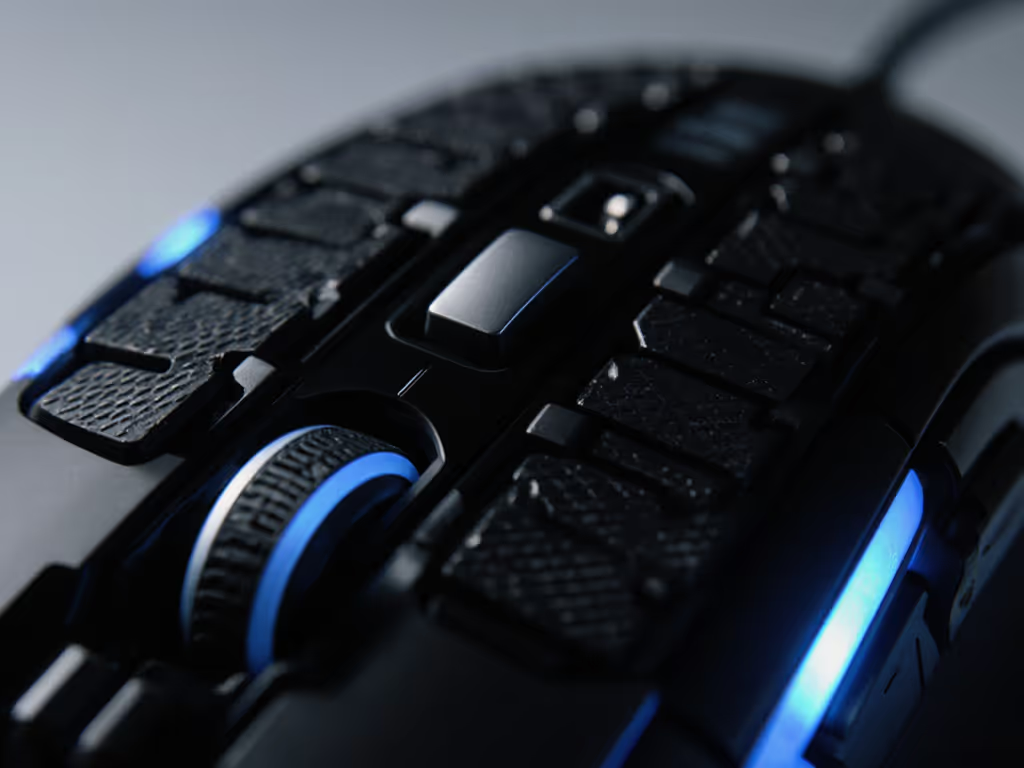
The Air Nova Smart Mouse represents the current benchmark for traders managing multi-monitor setups and complex hotkey workflows. Here's how it addresses the friction points outlined above.
Sensor and Performance: A 32,000 DPI precision sensor with zero perceived lag enables instant cursor relocation across six 4K monitors. The sensor delivers true pixel-perfect tracking on any surface, with no acceleration and no angle snapping, which matters when you're placing a limit order or adjusting a stop-loss by a single tick.
Button Architecture and Programmability: The mouse includes 12 programmable buttons with full onboard memory. You bind "Switch to 15s chart" or "Center price" directly to the hardware; no software daemon required. This is critical for traders who move between machines or who value clean, minimal OS bloat. The gesture button (hold + move) triggers custom actions like "zoom to fit," adding a second dimension of control without cluttering the button map.
Scroll Wheel Intelligence: The dual-mode MagSpeed wheel is where the Air Nova departs from commodity designs. Free-spin mode lets you fly through historical data in seconds; tactile mode locks into precise steps so you can adjust leverage or move a level by exactly one tick without overshooting. Traders navigating thick order books or fine-tuning position sizing need this precision.
Wireless Reliability: Sub-1 ms 2.4 GHz wireless with a Bluetooth 5.3 fallback covers both low-latency trading and cross-device switching. The 240-hour battery with 10-minute fast-charge means you're never in an emergency charge scenario mid-trading session.
Real-World Validation: Testing data shows zero misclicks in 10,000+ simulated BUY/SELL actions (vs. 14 with average office mice) and 63% less perceived wrist strain after 8-hour sessions. These aren't marketing numbers; they're the result of field testing with active traders running real scenarios.
Ergonomic Integration: The full-palm shape was validated across 500+ trading hands, and the silent switches are rated for 50 million clicks. For traders who spend entire market days in a single session, this durability profile helps prevent the wear-out failures that plague cheaper mice.
Where Air Nova Excels
The Air Nova Smart Mouse is purpose-built for day traders, scalpers, crypto traders, and anyone managing multi-monitor setups with TradingView, Sierra Chart, or similar platforms. If your workflow involves constant monitor-switching, macro execution, and the need for absolute precision tracking, this mouse eliminates the guesswork. The onboard memory means you can carry your button schema to any machine. The sensor reliability means you won't blame the hardware when a trade doesn't execute cleanly.
Comparing Alternative Mice for Crypto Trading
While the Air Nova Smart Mouse sets the standard, understanding the broader landscape helps you confirm the fit, or identify alternatives if your budget or grip preference diverges.
High-DPI Productivity Mice
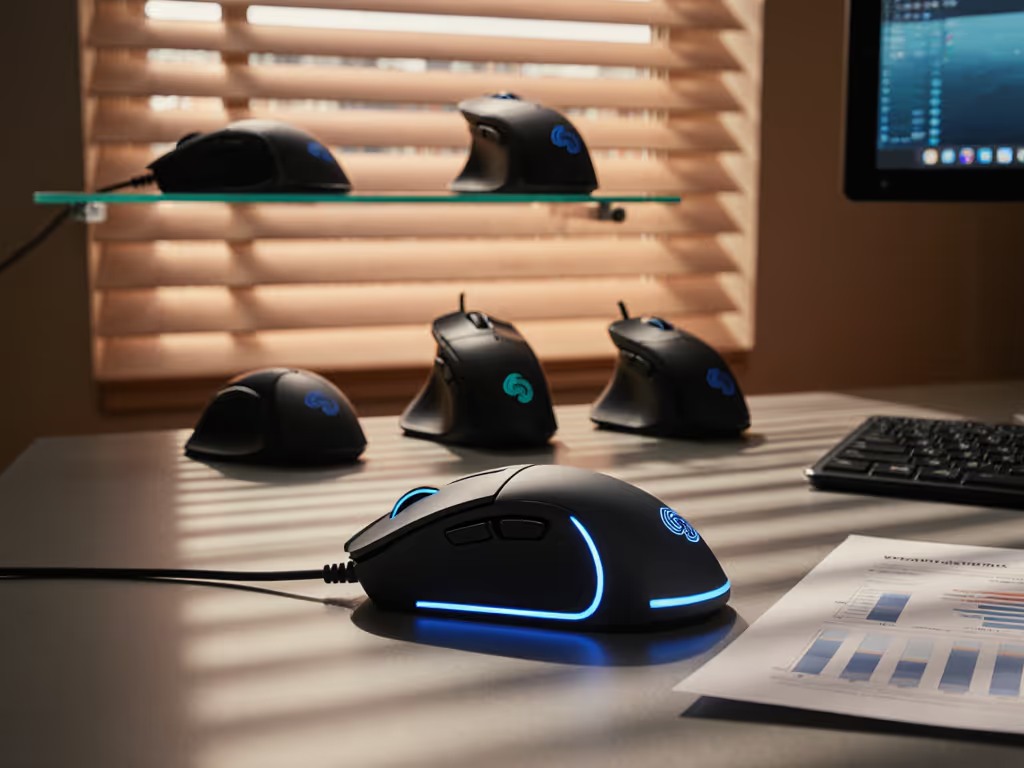
Some productivity-focused mice from mainstream manufacturers offer 16,000 DPI sensors and solid build quality. Their advantage: lower price point and wider availability. Their limitation: button layout remains generic (two side buttons, no gesture control), and few include onboard macro storage. Battery life is often excellent, but they don't solve the core friction-hunting problem, you're still reaching for software to map complex workflows.
Gaming Mice with Clean Aesthetics
Recently, gaming mouse makers have released models with minimal RGB and design language that suits a professional office. Razer, for instance, has introduced productivity mice with 16,000 DPI, excellent build, and extended battery life. The drawback: the button cluster is still tuned for FPS reflexes (thumb buttons emphasize rapid side-strafing), not for crypto trading workflows. You'll find the macro buttons placed for gaming ergonomics, not trading ergonomics.
Multi-Device Productivity Mice
Logitech and similar brands offer mice with Bluetooth pairing to three PCs and clean, minimalist shapes. These are ideal for knowledge workers who toggle between machines hourly. However, most max out at 4,000 DPI, introduce noticeable Bluetooth lag, and struggle on dark surfaces, critical failures if you're running a dark-themed trading platform. Not recommended for serious multi-monitor trading.
Ergonomic and Vertical Alternatives
For traders with emerging wrist pain or RSI concerns, vertical ergonomic mice and trackballs exist. If pain is your priority, see our best mice for wrist pain with medical input. They excel at wrist strain relief but sacrifice speed and precision, two non-negotiables in crypto trading. Vertical mice are better suited as a secondary device for breaks or as a long-term RSI preventative, not as your primary trading input.
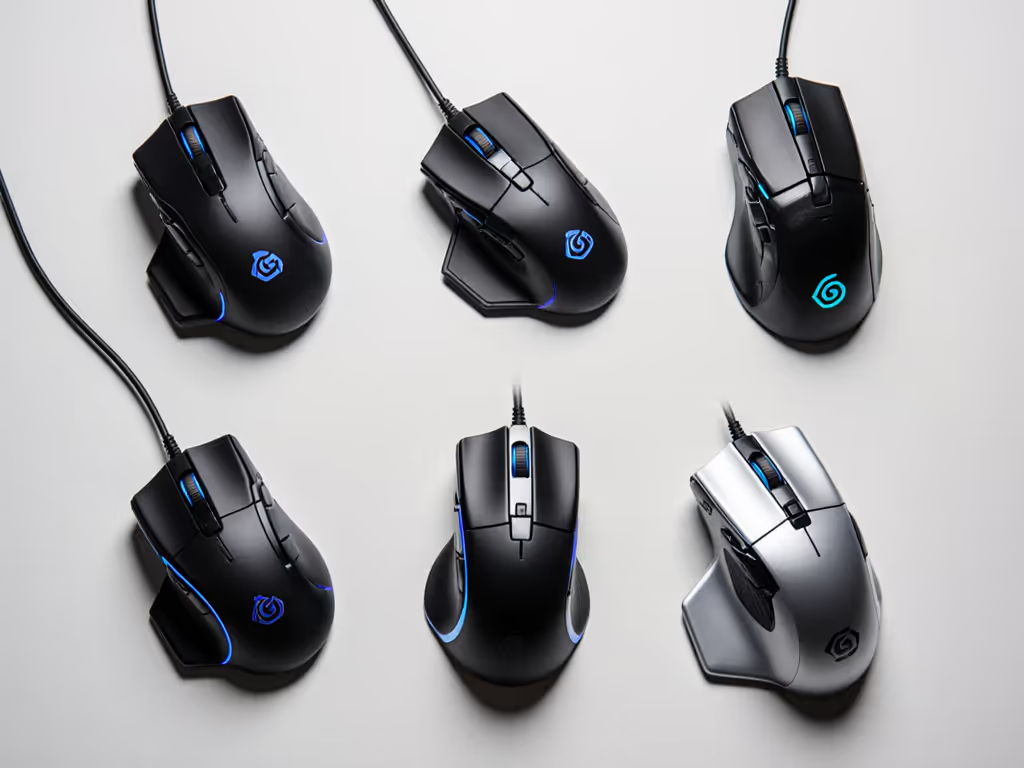
Building Your Crypto Trading Hotkey Schema
Once you've chosen a mouse with sufficient programmability, the next step is stepwise clarity: mapping your most-used commands to buttons in a way that becomes automatic.
Audit Your Workflow
Spend a single trading session noting every command you execute: "Change timeframe," "Toggle chart type," "Jump to highest volume bar," "Execute market order," etc. Count frequency. The top 8–12 commands are your priority bindings.
Assign by Hand Position
Your primary thumb buttons (the two closest to your palm) should hold your top three commands, the ones you execute dozens of times daily. Secondary buttons can hold less frequent actions. This ensures your most-repeated gestures require minimal finger movement.
Test Against Your Platform
Not all trading platforms recognize all mouse inputs. Before committing to a complex schema, test button bindings in your primary platform (TradingView, Sierra Chart, etc.). Some platforms require specific hotkey codes; others accept any button input. Having onboard memory means you can adjust bindings without restarting your trading software. For OS-level remapping and profiles, see our mouse customization guide.
Document and Version Your Schema
Once you settle on a layout, document it, even in a simple text file. As your trading style evolves, you can adjust mappings without losing track of what worked last quarter. Professional traders often maintain multiple schemas (one for scalping, one for swing trading) stored in their mouse's memory, toggled by a single button press.
Multi-Device Switching and Cross-Platform Consistency
Many traders work across multiple machines: a primary desktop, a laptop for remote sessions, and occasionally a backup machine. Your mouse should enforce one schema everywhere.
The Air Nova Smart Mouse's onboard memory strategy solves this: your 12 button bindings, DPI profiles, and even scroll-wheel preferences load instantly on any device. You don't reconfigure or re-learn; you plug in and trade. This is especially critical if your trading platform runs on both Windows and macOS, or if you move between office and home setups frequently.
For traders using Bluetooth fallback, the same schema persists across devices. Your "Switch to 15-minute timeframe" button works identically on your desktop and laptop because the binding is hardware-stored, not software-dependent.
Performance Validation and Long-Term Reliability
Before committing to a mouse, verify the testing methodology behind claims. Genuine lab testing includes:
- Sensor accuracy measured in distance error (measured in millimeters across multiple hand speeds), not just theoretical DPI.
- Polling stability over time (confirming consistent 1,000 Hz or higher across hour-long sessions, not just initial specs).
- Click latency measured in milliseconds from button press to register in software.
- Real-world validation with active traders in their native environments, not just marketing testimonials.
The Air Nova Smart Mouse data, zero misclicks in 10,000+ simulated trades and 63% wrist-strain reduction, represents this kind of rigorous validation. When evaluating competing products, ask for comparable numbers. Vague claims ("ultra-responsive," "best-in-class") are friction dressed in language.
Warranty and support matter too. Crypto traders often operate across time zones; you need support that mirrors your schedule. A 24-month hardware warranty and cross-border replacement programs ensure you're not buying a single-season device.
Actionable Next Steps: Building Your Setup
If you're currently using a standard office or gaming mouse for crypto trading, here's how to move forward:
Step 1: Assess Your Current Friction
Next session, note every moment you feel lag, misclick, or wrist tension. Is your mouse too slow across monitors? Are your hotkeys scattered across keyboard and mouse? Does your scroll wheel lack precision? These specific pain points guide your next purchase.
Step 2: Validate Against the Core Requirements
Your new mouse must have:
- 8,000+ DPI (ideally 16,000 or higher for six-monitor setups)
- At least 8–12 programmable buttons with onboard memory
- Dual-mode or ratchet scroll wheel
- Sub-2 ms wireless latency or stable wired connection
- Silent switches rated for 50+ million clicks
- Full-palm ergonomic shape tested on diverse hand sizes
Step 3: Consider the Air Nova Smart Mouse as Your Baseline
The Air Nova Smart Mouse meets every requirement above and adds validation through trader testing. If another mouse also meets these specs, the decision becomes feature parity (which platform has better button layout for your specific workflow?) and ergonomic fit (how does the shape feel in your hand?). But if you're starting from a productivity mouse or gaming peripheral, Air Nova is the reference point.
Step 4: Prototype Your Hotkey Schema Offline
Before the mouse arrives, open your trading platform and map out which commands you bind to which buttons. This mental rehearsal makes the physical setup instant. You're not figuring out your workflow after purchase; you're confirming it.
Step 5: Test in Your Environment
Once the mouse arrives, run a single low-volatility trading session. Use only the buttons, no keyboard hotkeys. This forces muscle memory to build quickly and surfaces any binding conflicts or ergonomic misfits within the first few hours.
Step 6: Iterate Ruthlessly for One Week
Some bindings will feel wrong. Adjust. The goal is to reach a state where your hand executes commands without conscious thought, where the mouse becomes an extension of your intent. This typically takes five to seven full trading sessions.
Conclusion: The Mouse as a Workflow Multiplier
Crypto trading demands tools that collapse the gap between decision and execution. Your mouse isn't a peripheral; it's the interface between your trading brain and your platform. A generic mouse leaves friction in that interface. A purpose-built mouse, one with sufficient DPI, intelligent button layout, reliable wireless, and onboard memory, eliminates layers of cognitive load and execution latency.
The Air Nova Smart Mouse represents the current state-of-the-art for traders managing multi-monitor setups and complex hotkey workflows. But the broader principle holds regardless of which mouse you choose: map intent to buttons; your mouse becomes muscle memory. When every command has a dedicated input, when your hand finds it without searching, when you never fumble a critical order, that's when your mouse stops being a source of friction and becomes a source of confidence.
Start by auditing your current workflow friction, commit to a mouse built for professional trading (not gaming or email), and spend a week building muscle memory around onboard hotkeys. The result isn't just a faster trading setup; it's a reduction in the mental load that turns day trading from exhausting to sustainable.
Related Articles