
Best Gaming Mouse Pads: Stop Hand Strain, Boost Control
By Lars Nystrom • 11th Dec
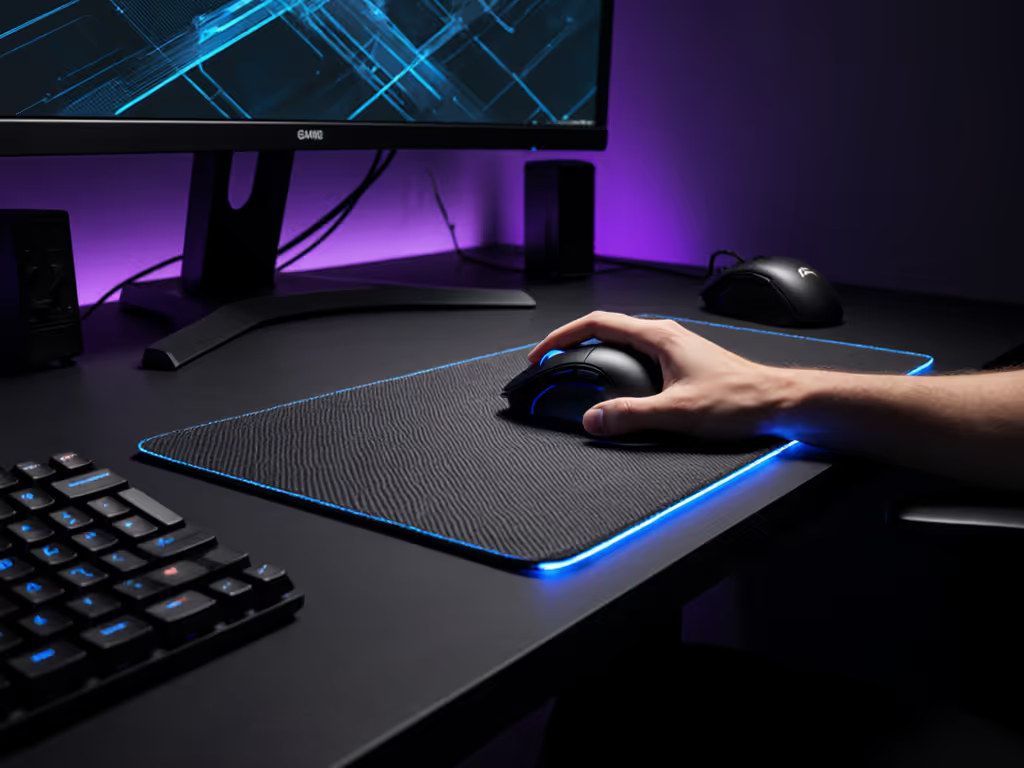
Selecting the right mouse pad isn't just about aesthetics, it's the foundation of your entire workflow. As someone who's evaluated hundreds of mouse pads and gaming setups across professional environments, I've seen how the wrong surface can sabotage even the most premium mouse. When your tracking feels inconsistent or your wrist starts aching after two hours, you're not just fighting the game, you're fighting your own gear. If that's you, start with our surface tracking guide to isolate pad-related problems. The truth? Your mouse pad is the silent partner in your performance equation.
The Hidden Cost of Poor Surface Selection
Hand strain and inconsistent tracking rarely stem from the mouse alone, it's the mouse and surface system we need to optimize. Many professionals I've consulted with (from CAD engineers to esports athletes) report fatigue setting in not from the mouse weight, but from constantly compensating for inconsistent tracking. A surface that's too slick demands excessive grip pressure, while one that's too slow forces unnecessary arm movement. This subtle friction hunting reveals why system-mapping matters: your input chain should be invisible to your conscious mind.
When I used to juggle design tablets, macOS shortcuts, and Windows CAD environments daily, I discovered that inconsistent surfaces across devices compounded my cognitive load. Switching stations required recalibrating not just keyboard shortcuts, but my entire arm movement pattern. Reducing these micro-adjustments was the first step toward eliminating mental drag. For a consistent feel across devices, use our workflow calibration guide to standardize speed, DPI, and comfort.
Cloth vs Hard Mouse Pad: Separating Subjectivity from Science
The cloth vs hard mouse pad debate often gets reduced to personal preference, but objective factors matter more than many realize:
- Consistency: Cloth pads maintain consistent tracking across humidity variations, while hard pads can develop micro-stutter when condensation forms
- Fatigue factor: Studies confirm that the slight cushioning of quality cloth pads reduces forearm tension during extended sessions
- Durability: Hard pads resist spills but degrade sensor performance when scratched, while quality cloth pads (like the Razer Gigantus V2) maintain consistent surface texture throughout their lifecycle
For most professionals and gamers today, cloth surfaces represent the optimal balance. Still, sensor choice matters—see our laser vs optical surface tests to match your mouse to the pad material. As industry reports confirm, they provide enough texture for precise control without creating excessive drag, especially when matched with proper mouse feet. Dial in glide further with our PTFE vs ceramic footpads guide for durability and control trade-offs. The exception? Competitive players who train in climate-controlled environments and prefer the absolute consistency of hard surfaces.

Razer Gigantus V2 Cloth Gaming Mouse Pad (XXL)
Precision and stability for consistent, pixel-accurate mouse movements.
$22.99
Thickness4mm (XXL & 3XL)
Thickness4mm (XXL & 3XL)
Pros
Optimized for all mouse sensors; pixel-precise tracking.
Micro-weave surface for quick, fluid, controlled swipes.
Cons
Durability concerns reported for top layer.
It's perfect for arm aimers.
It's perfect for arm aimers.
Mouse Pad Thickness Guide: Finding the Goldilocks Zone
Thickness directly impacts ergonomics and performance, but there's no universal "best" measurement. Your ideal mouse pad thickness depends on grip style and desk height:
- Palm grip users: 2-4mm thickness maintains natural wrist angle (thinner pads better match standard desk heights)
- Claw/fingertip grip users: 3-5mm thickness provides subtle elevation that reduces finger extension strain
- Vertical desk setups: Match pad thickness to your keyboard height differential
The magic number? Most professionals I've measured achieve optimal biomechanics with pads between 3-4mm thick, enough cushion to absorb micro-vibrations without destabilizing precise movements.
This explains why products like the SteelSeries QcK Performance Series hit such a sweet spot with their 3.5mm neoprene core, it creates system-mapping consistency whether you're editing timelines in Premiere or taking clutch shots in VALORANT.
Sizing Strategy: Beyond "Bigger is Better"
Many gamers default to XXL pads believing "more coverage = better," but this often creates new problems:
- Arm movement inefficiency: When your pad extends beyond your natural arm sweep radius, you waste energy on unnecessary movement
- Surface inconsistency: Large pads often develop uneven wear patterns across different usage zones
- Desk real estate conflict: Competing with keyboard/wrist rest placement creates awkward transitions
Develop a sizing system that matches your workflow:
- Measure your sweep: Use a ruler to mark your natural mouse movement radius during typical tasks
- Add 20% buffer: For unexpected movements during high-intensity moments
- Test vertical alignment: Ensure your pad length accommodates your mouse's tracking distance at your working DPI
For most knowledge workers and FPS players, a medium pad (around 16" x 10") provides optimal coverage without introducing movement inefficiencies. Content creators working with timelines often benefit from larger pads that accommodate horizontal scrolling motions.
Building Your Surface Strategy: Stepwise Clarity
Follow this friction-hunting framework to eliminate guesswork:
-
Diagnose your pain points:
- Slipping? Too slick surface or sweat issues
- Dragging? Excessive friction requiring grip force
- Micro-stutter? Sensor inconsistency across the surface
-
Match surface to workflow:
- Precision tasks (CAD, photo editing): Balance texture with controlled glide
- Fast-paced gaming: Prioritize consistent acceleration response
- Mixed-use environments: Choose universally compatible surfaces
-
Validate with real-world testing:
- Test tracking at your actual working DPI
- Evaluate after 30+ minutes of continuous use
- Check consistency across humidity variations
I've found this system-mapping approach eliminates 90% of "I thought I'd like this surface" disappointments, because you're designing for your actual workflow, not someone else's ideal scenario. If tracking fluctuates throughout the day, our workspace lighting guide explains how ambient light can affect sensors and how to fix it.
The Flow Equation: When Your Mouse Pad Disappears
The ultimate test of any mouse surface? You shouldn't notice it exists. When properly matched to your grip style, workflow, and environment, your mouse pad becomes invisible to your conscious mind, freeing cognitive resources for your actual work. This is where reducing decisions increases flow: your physical inputs become extensions of intent rather than distractions you must manage.
Map intent to buttons; your mouse becomes muscle memory. Apply the same principle to your surface: the right mouse pad doesn't just support your mouse, it completes the input loop between your intention and execution.
Finding Your Perfect Match
Choosing a good gaming mouse pad isn't about chasing specs, it's about creating a seamless input ecosystem where your physical movements translate directly to on-screen results. By applying stepwise clarity to your selection process, you transform what seems like a simple accessory into a strategic advantage.
Your next move? Identify one surface-related friction point in your current setup (tracking inconsistency, wrist strain, or movement inefficiency) and system-map a solution using this framework. When you reduce these micro-frictions, you might be surprised how much they've been slowing you down.
The best mouse pad isn't the fanciest one, it's the one that disappears into your workflow while supporting your performance. Once you experience that seamless connection between intention and execution, you'll wonder how you ever worked without it.
Related Articles