Custom Mouse Build Services Compared: Fit and Feel
By Maya Chen • 19th Feb
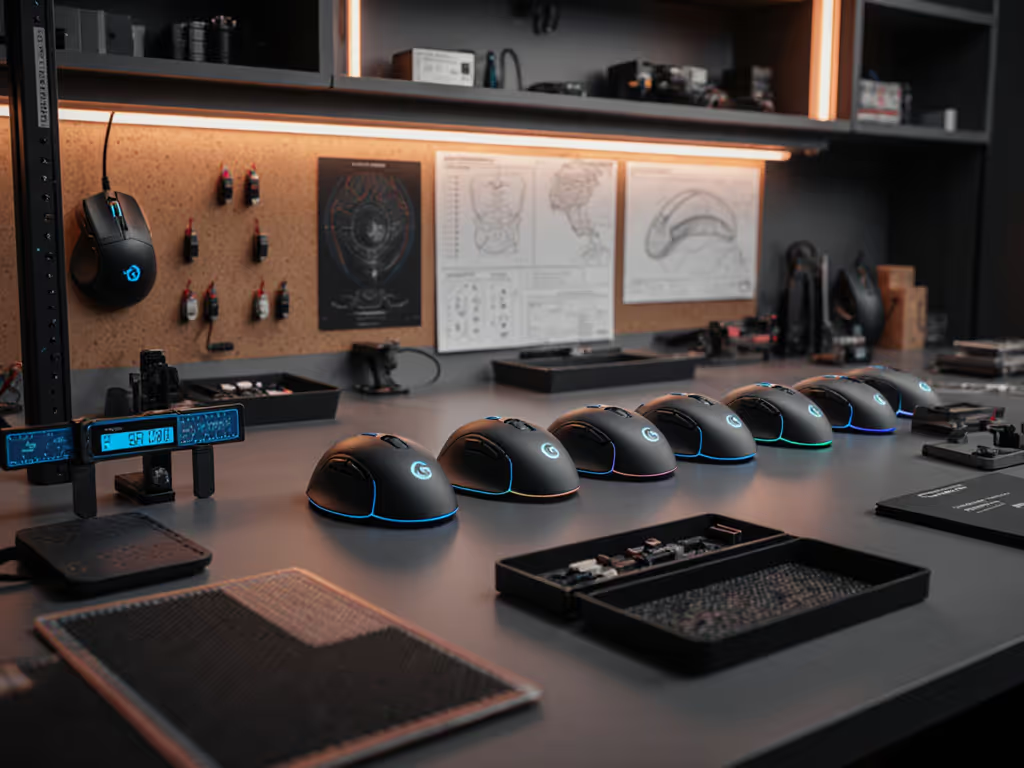
Off-the-shelf mice are designed for an imaginary average hand. If your hands are small, wide, long-fingered, or simply built differently from the statistical mean, you've likely felt the cost: wrist drift after two hours, a grip so tense it exhausts your forearm, or an arch that never quite settles into support. Custom mouse build services and mouse modification comparison options now let you skip the guesswork and build a mouse that actually matches your anatomy. But not all customization services are equal, and choosing the wrong one can leave you with an expensive disappointment.
The Problem: Why Off-the-Shelf Fails
Standard gaming and productivity mice come in perhaps five to eight shell shapes globally. That's it. Meanwhile, hand span ranges from roughly 160 mm to 220 mm, grip styles vary from fingertip to full palm, and forearm angles differ based on desk height, chair depth, and individual biomechanics. A high-palm shell that works beautifully for a claw gripper becomes a source of tension for a palm gripper, and vice versa.
When shape doesn't match grip, something has to compensate. Often it's your wrist, adopting a subtle deviation that feels fine for 30 minutes but leaves you burning by lunch. I learned this early in my design career: a low, narrow shell left my wrist aching, and I'd been accepting it as normal. The moment I switched to a taller, gently angled shape that kept my hand in neutral, the pain faded within weeks. More surprising was that my cursor paths smoothed out, and my shoulder stopped recruiting to stabilize what my wrist couldn't.
That's when I understood: comfort is a performance spec, not a luxury add-on.
The Agitation: Why Fit Matters More Than You Think
Comfort isn't just about feeling less tired. Neutral posture (wrist straight, forearm aligned, grip pressure low) is the foundation for consistent aim, precise clicks, and sustainable speed. When a mouse forces your hand into an awkward angle, your nervous system splints the forearm and shoulder to compensate, which:
- Reduces proprioceptive feedback (your sense of where your hand is in space)
- Increases click latency perception because your finger has to fight muscle tension
- Creates micro-pauses in movement as stabilizer muscles fatigue
- Compounds cumulative strain, turning a 6-hour workday into an 8-hour pain session
RSI and repetitive strain don't announce themselves loudly. They whisper: mild numbness in your ring finger, a slight burning in the underside of your forearm, or a clicking sensation in your wrist. By the time you notice, months of compensation have stacked up.
Off-the-shelf mice can't prevent this because they don't know your hand. Custom services exist because fit is personal, and personalizing it means fewer returns, faster confidence, and a real shot at working pain-free.
What Makes a Custom Mouse Service Worth It
Not every customization option is the same. Here's what to evaluate:
Shell Geometry and Grip-Type Alignment
The best custom services let you specify your grip style (fingertip, claw, palm, or hybrid) and hand measurements. They then tailor:
- Palm height and arch placement: Does the hump sit under your palm's widest point, or does it push your wrist into extension?
- Side wall angle: Do the sides support your hand's natural curve, or do they force your fingers inward?
- Finger rest zone: Is there enough contact area to distribute pressure, or are you balancing on a narrow ridge?
- Rear taper: Does the mouse taper smoothly toward your wrist, or does it leave a sharp edge that digs into your palm heel?
Contact Area and Pressure Distribution
A larger contact surface spreads grip force across more skin, reducing localized pressure points. This is especially critical for sweaty hands or longer sessions. Ask: does the service offer an option for wider sidewalls, textured grip zones, or extended rear support?
Weight and Balance Point
Lighter isn't always better. A mouse that's too light for your grip style can feel twitchy. Balance point matters too: a rear-weighted mouse suits palm grippers; a forward-weighted mouse suits fingertip players. For a deeper explanation of how weight distribution affects control and fatigue, see our guide. Reputable services let you choose battery size, internal weight distribution, and even modular shells to swap if your preference changes.
Coating and Grip Texture
Glossy surfaces suit dry hands and pad control; grippy coatings support sweaty hands and mouse-lift moves. The best services offer choices: ultragrip rubber, textured coatings, or hybrid zones (glossy top, grip on sides).
Depth of Customization and Support
Some services offer pre-built configs with limited options. Others let you choose shell geometry, internal layout, switches, skates, cable (if wired), and even grip-tape thickness. Look for:
- Clear measurement guides or hand-tracing templates
- Pre-configured profiles for known grip styles
- The ability to contact support if your measurements fall outside standard ranges
- Warranty and modification policy (can you return if it doesn't fit?)
- Assembly instructions and modding documentation
How to Evaluate Custom Services: A Fit-Check Framework
Before you invest in a custom build, run through this checklist:
1. Know Your Hand
- Measure your hand span (thumb tip to pinky tip, fully extended)
- Measure your palm width (across the widest point)
- Measure your palm length (wrist crease to fingertip)
- Note your grip style: Do you rest your palm, hover your fingers, or use a hybrid?
2. Assess Your Strain Signature
- Where do you feel fatigue first? (Fingers, palm, wrist, forearm, shoulder?)
- What time of day or session length triggers it?
- Does it worsen with light switches, heavy switches, or both?
- Does it worsen with a longer cable, heavier mouse, or narrower grip?
3. Test Service Responsiveness
- Email support with your hand measurements and grip type. Do they respond with personalized config suggestions, or generic copy-paste replies?
- Do they ask clarifying questions about your workload (gaming vs. design vs. data entry)?
- Can they explain why they recommend a specific geometry for your hand?
4. Review Return and Fit Policies
- What's their warranty if the fit doesn't work for you?
- Do they offer exchanges or refunds?
- Is there a trial period?
- How long does a build take, and what's the shipping timeline?
5. Verify Build Quality and Durability
- Are switches user-replaceable, or soldered?
- Are skates glide-optimized for common pads?
- Is the coating durable, or does it wear glossy in weeks?
- Do they publish user reviews or YouTube feedback?
6. Cross-Check Against Your Use Case
- Gaming (aim-sensitive, high-lift frequency): prioritize light weight, low-latency switches, and balanced grip pressure. If you lift frequently, learn how lift-off distance affects tracking and settings.
- Design/CAD (precision, long sessions): prioritize neutral posture, large contact area, and medium weight for control.
- Spreadsheets/productivity (high-click volume): prioritize ergonomic support, quiet switches, and ratchet-scroll options.
- Hybrid workdays: prioritize modularity (can you swap shells?) and portability.
Building Your Custom Mouse: What to Expect
Most custom services follow a similar flow:
- Configure: Choose shell geometry, grip coating, battery size, switch type, and skates.
- Measure and validate: Submit hand measurements or upload a tracing; service confirms fit.
- Build: Individual assembly, often with photos or video confirmation.
- Ship: Usually 2 to 4 weeks for fully custom builds; modular kits ship faster.
- Break-in and adjust: Give it 10 to 15 hours before deciding. Grips soften, muscle memory settles, and initial strangeness often fades.
Throughout, prioritize services that offer:
- Plain-language fit guidance: No jargon; clear "if you have [hand size] and [grip style], choose [geometry]." explanations.
- Transparent testing: Do they publish polling stability, click latency, or sensor accuracy data?
- Warranty and support: If it doesn't fit, can you return it or get help troubleshooting?
- Modularity: Can you swap shells or grips later if your needs change?
Real-World Fit Scenarios
Small Hands + Fingertip Grip
You need a compact, slightly elevated rear and narrow sidewalls to avoid palm contact. A mouse that's too wide forces your fingers outward, which exhausts the intrinsic hand muscles and triggers cramping. Look for services offering XS or compact shells with taper at the rear.
Large Hands + Claw Grip
You need a tall arch, pronounced knuckle supports, and wide sidewalls that stop short of forcing your fingers together. Too-short sidewalls make your hand feel exposed; too-long sidewalls squeeze your knuckles. Request measurement-specific configs or a chance to iterate.
Sweaty Hands + Long Sessions
You need a textured, moisture-wicking coating and a larger contact area to distribute slipping pressure. Ask if the service offers grip-tape overlays or hybrid coatings (e.g., grip on the side, smooth top for glide). A wider mouse is often your friend here.
Chronic Wrist Tension + Hybrid Grip
You need a shell that keeps your wrist straight while supporting both palm and finger motion. This often means a medium-height arch, a smooth underside (no sharp edges), and rear support that extends to your wrist baseline without pinching. Comfort first; speed shows up when pain steps aside. A build tailored to neutral posture will often improve your aim and endurance simultaneously.
Actionable Next Steps
Start Here:
- Measure your hand using a free online guide or simple ruler. Write down your span, palm width, and palm length.
- Identify your grip style by recording a short video of yourself using your current mouse. Do your fingers hover, or does your palm rest?
- Log your strain patterns for one week. Note when and where fatigue appears, and what triggers it (time, session length, mouse weight, switch feel).
Research Custom Services:
- Look for transparency: Services that publish customer reviews, response times, and refund policies.
- Email support with your measurements and grip style. The quality of their response will tell you if they treat fit as a science or a guess.
- Ask about modularity: Can you swap shells, grips, or switches later if your preferences shift?
- Check build time: Is 2 to 4 weeks acceptable for your workflow, or do you need faster turnaround?
Validate the Build Before It Arrives:
- Request a fit summary from the service: "For your hand and grip, we recommend [shell type] because [reason]."
- Ask about break-in: How long before a custom grip and shell feel normal? (Usually 10 to 15 hours.)
- Confirm warranty: What happens if it doesn't fit? Refund? Exchange? Support sessions?
After You Receive It:
- Test for neutral posture first: Can you rest your hand on the mouse without tension? Does your wrist feel straight?
- Use it for your primary task for at least one full workday before judging comfort. Initial strangeness is normal.
- Note any pressure points or fatigue after 6 to 8 hours, not 30 minutes. Comfort at hour one doesn't predict comfort at hour eight.
- Stay in touch with support if adjustments are needed. Many services offer grip-tape tweaks, switch swaps, or shell revisions.
The Bottom Line
Custom mouse build services exist because fit is personal, and off-the-shelf geometry can't serve everyone. The best ones treat build-to-fit as a dialogue: they measure, ask clarifying questions, explain their recommendations in plain language, and stand behind their work with clear return policies.
If you're experiencing hand pain, wrist tension, or simple fatigue after long sessions, a properly fitted mouse won't cure all strain, but it removes a major contributor and lets your nervous system relax. That shift from compensation to neutral posture often surprises people: aim steadies, fatigue retreats, and hours feel easier.
Start by measuring your hand and documenting your strain patterns. Then contact a service that treats customization as evidence-based, not guesswork. The difference between a mouse that almost fits and one that matches your anatomy is the difference between enduring pain and forgetting it's there.
Related Articles