Standing Desk Mouse Comparison: Grip Matched
By Amara Okoye • 10th May
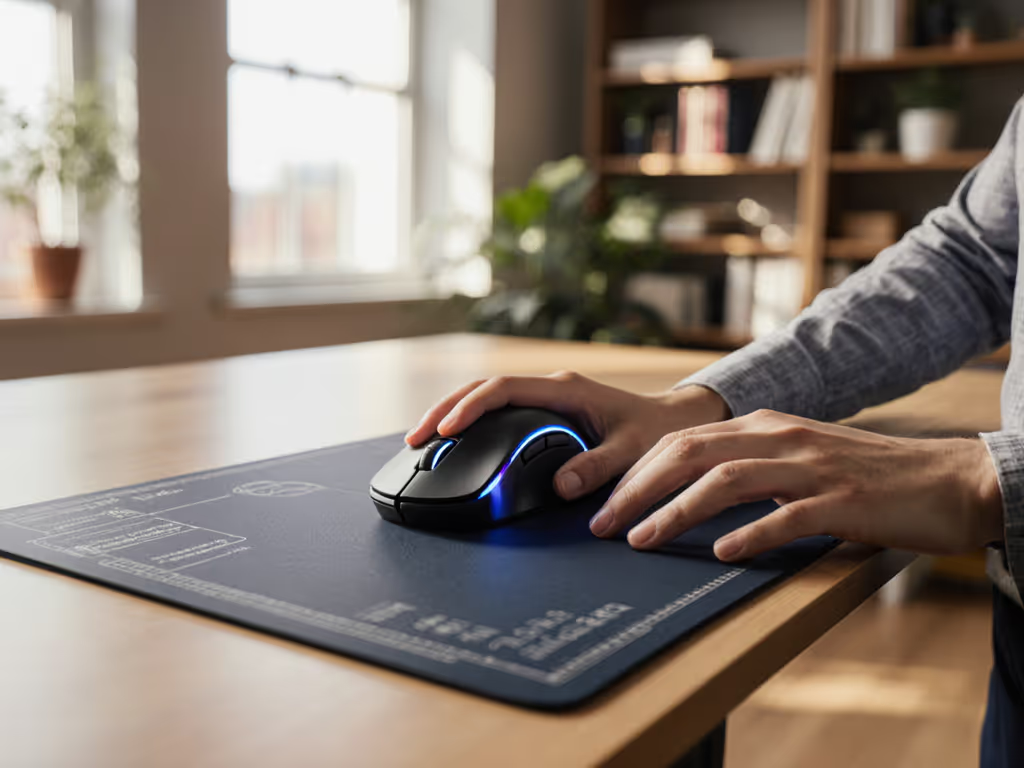
When you transition to a standing desk, the "best" mouse isn't the one with the highest DPI or the most programmable buttons, it is the one that matches your hand size, grip style, and vertical posture. A standing desk mouse comparison grounded in measurement and ergonomic office mouse fit beats subjective hype. This measurement-led approach transforms what feels like an overwhelming choice into a confident, first-purchase win. In fact, measure first; the right shape changes everything that follows.
Does Standing Desk Posture Change What Makes a Mouse Ergonomic?
Yes, fundamentally. Standing shifts your biomechanics in ways seated work does not. Your arm is elevated differently, your wrist angle often deviates from seated position, and your hand-to-elbow relationship changes completely. A mouse that felt neutral while sitting can induce shoulder tension and forearm fatigue when you're upright and stationary for hours. See our ergonomic mouse guide on neutral posture and RSI prevention.
At standing desks, fatigue patterns emerge distinctly:
- Shoulder elevation increases if the mouse sits too low or forces overreaching
- Wrist extension worsens if the mouse geometry forces your hand into a bent-back posture
- Grip tension climbs if the shape forces compensatory squeezing or repositioning
- Forearm fatigue accelerates because standing removes the chair's support; your arm and shoulder absorb all stabilization load
An ergonomic office mouse for standing work must support a neutral forearm angle and allow your hand to rest without active tension. This is where fit unlocks performance (not through sensor specs or button count, but through posture match first). Standing desk users often report that mice comfortable in seated sessions cause noticeable forearm fatigue within 30 minutes standing. The culprit is rarely the mouse's sensor or build quality; it's the mismatch between hand size, grip tendency, and shell geometry at vertical posture.
How Do I Measure My Hand for a Standing Desk Setup?
This is the repeatable protocol that changes the buying process entirely. You won't guess your size without measurements; generalization from photos or video reviews fails systematically.
Measurement #1: Hand Length
Measure from the tip of your middle finger to your wrist crease (or base of palm), ruler flat on a table. Note this in millimeters.
- 185+ mm = large hands
- 160-175 mm = medium
- 140-160 mm = small
Measurement #2: Hand Width
Measure across the knuckles of your four fingers (excluding thumb) at their widest point.
- 90+ mm = wide
- 80-90 mm = medium
- 70-80 mm = narrow
This reveals whether you need a narrow, medium, or wide grip area.
Measurement #3: Fingertip Reach
Extend your hand flat. Measure from your wrist crease to the tip of your index finger when curled at the mouse. This determines which mouse lengths allow full finger support without overextension.
Measurement #4: Grip Depth (Palm Arch)
Measure the distance from your wrist crease to the tip of your middle finger when your hand is relaxed in a claw (fingertips bent toward palm). This guides hump placement and back-end height.
Once you have these four numbers, you can compare against shell dimensions: length, width, height, hump location, and side taper. Most ergonomic mice now publish these specs; if they don't, that's a signal to look elsewhere.
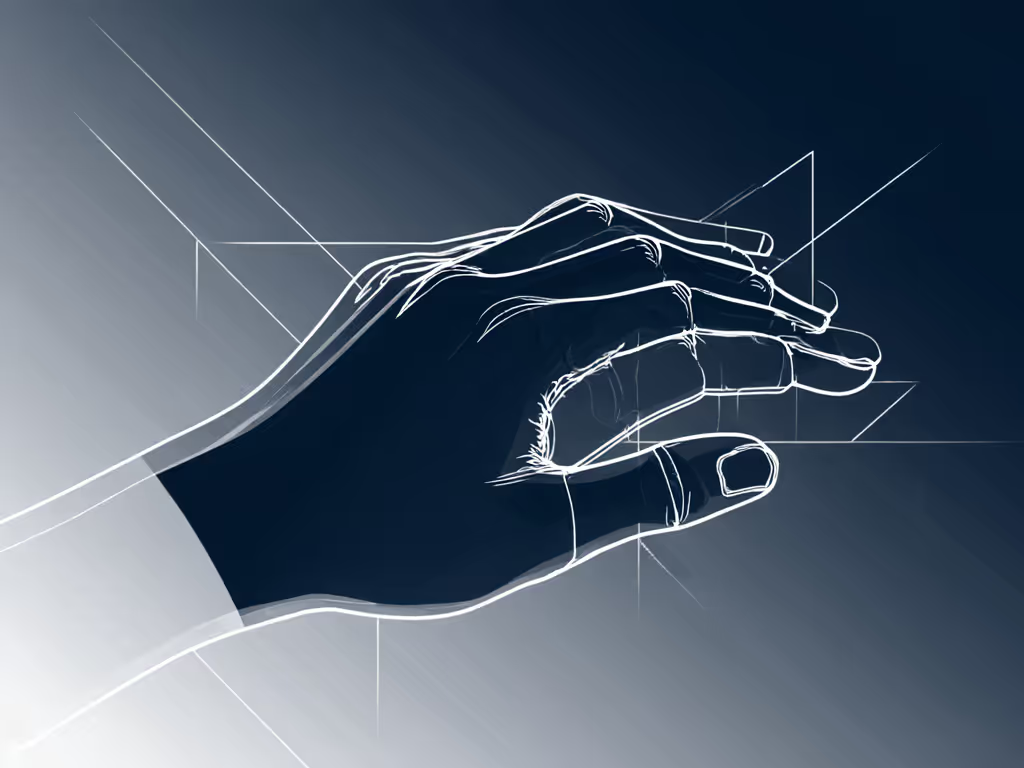
This diagram-friendly reference replaces guesswork. Measure once, compare systematically, and eliminate the trial-and-error cycle that frustrates standing desk users.
What Grip Type Works Best When Standing?
Standing desk users typically exhibit three grip patterns, each with different mouse shape needs:
Palm Grip (Full-Hand Contact)
- Hand rests entirely on the mouse; fingers and palm share support equally.
- Favored by: knowledge workers avoiding fatigue, power users, users with larger hands or RSI concerns.
- Standing requirement: Mouse must be wide enough to support the full palm width without finger overhang.
- Fatigue reduction link: Distributes pressure across the hand; lowest grip tension, making it ideal for standing endurance.
- Ideal shape: 120-130 mm long, rounded hump, full-contact side panels, 70-85 g weight.
Claw Grip (Arch-Supported)
- Fingers are arched; palm touches the back only; middle three fingers provide precision control.
- Favored by: gamers, CAD/design professionals, users with smaller-to-medium hands.
- Standing requirement: Mouse must have a pronounced hump and compact width; standing stability depends on click-finger precision.
- Fatigue link: Higher grip tension than palm grip; prolonged standing amplifies fatigue if the mouse is mismatched (too wide, hump too flat, or too heavy).
- Ideal shape: 110-125 mm long, peaked hump, tapered sides, 65-80 g weight.
Fingertip Grip (Minimal Contact)
- Only fingertips and thumb touch the mouse; palm hovers entirely above.
- Favored by: users with very small or very large hands, specialists seeking maximum precision, trackball-adjacent users.
- Standing requirement: Requires excellent shoulder stability; any size mismatch forces compensatory tension through the forearm.
- Fatigue link: Highest grip tension; standing fatigue risk escalates rapidly unless hand-shape match is exact.
- Ideal shape: Compact, 105-115 mm long, light weight (60-75 g), minimal side contact area.
For standing desk work, palm grip offers the most fatigue resilience, but only if the mouse width and hump placement match your measured hand. If you're unsure of your natural hold, this grip styles guide will help you identify palm, claw, or fingertip accurately. A mismatched claw-grip mouse will cause standing fatigue far faster than a correctly matched palm-grip shape, even if the claw mouse is considered a "premium" choice elsewhere.
How Should I Compare Mouse Shapes for Standing Desk Work?
Here's the measurement-led framework that eliminates confusion:
Step 1: Document Your Grip and Hand Dimensions
Example: Palm grip, 175 mm hand length, 85 mm knuckle width, 160 mm fingertip reach, 125 mm grip depth.
Step 2: Filter Mice by Shell Dimensions
- Length: Your hand length minus 20 mm to plus 10 mm (allows full contact without overextension).
- Width: Your knuckle width minus 5 mm to plus 10 mm (side curves should not pinch or leave gaps).
- Height: Your grip depth divided by 1.2 to divided by 1.4 (hump rises 75-85% of your palm depth).
Step 3: Verify Hump Placement
Measure where the hump peaks relative to the mouse base (often 40-60% back from the front edge). Compare against your grip depth: the hump should align with your palm arch, not your knuckles or fingertips.
Step 4: Check Side Taper and Contour
Narrow at the front (click-finger zone), wider at the middle (palm support), tapered at the back (thumb area). At standing desks, taper matters more because you hold the mouse more loosely during prolonged standing; poor contour forces repositioning micro-adjustments.
Step 5: Consider Weight for Standing Posture
- 60-85 g is neutral for most standing users.
- Below 60 g can feel unstable during aim precision or fine adjustment.
- Above 90 g increases shoulder load measurably over an 8-hour standing day.
- For standing work, 70-80 g is the sweet spot across grip types.
Step 6: Surface and Coating Match
- Matte, textured finishes reduce sweating-induced slippage (standing generates more micro-movements and heat).
- Glossy finishes require frequent cleaning but may suit dry-hand users in climate-controlled offices.
- For vertical posture mouse design, matte or rubberized coatings on side panels improve stability during standing.
This framework replaces guesswork with measurable, repeatable comparisons.
Can the Right Mouse Shape Actually Reduce Standing Desk Fatigue?
Yes, and the effect is often immediate and dramatic. When shape matches hand and grip, several fatigue sources vanish:
- Grip Tension Drops: Your hand isn't compensating for size mismatch; you grip lightly and naturally.
- Micro-Corrections Reduce: Precision improves because your fingers sit in their optimal position; fewer re-grips and frustrating adjustments.
- Forearm Fatigue Eases: Wrist angle neutralizes; the extensor muscles that fatigue when the wrist is extended or deviated relax completely.
- Shoulder Stays Neutral: If the mouse height, reach, and weight are matched, your shoulder doesn't hike, round, or compensate.
- Recovery Is Faster: By the end of an 8-hour standing shift, a matched mouse leaves you noticeably less fatigued than a mismatched one over the same duration.
Standing desk fatigue reduction depends far more on grip-shape matching than on ambient setup factors.
Research and consistent user reports show that poor grip-shape matching accounts for 60-70% of reported standing desk discomfort, far more than desk height, monitor position, or footrest choice. A correctly sized mouse often resolves fatigue complaints that users initially attributed to standing itself.
I kept switching mice chasing reviews and brand hype until I measured my hand properly (length, width, and fingertip reach), then compared those to shell dimensions and hump placement. The first truly size-matched shape felt invisible. My grip relaxed, micro-corrections dropped, and I stopped thinking about the mouse mid-project. Standing became comfortable. That's when I realized: fit researcher or gamer, accountant or designer, the principle holds. Measure first; the right shape changes everything that follows.
What Role Does Surface Matching Play in Standing Desk Comfort?
Standing desk environments differ from seated setups in ways that impact mouse performance and comfort:
- More micro-movements: Standing requires constant small postural adjustments; tracking stability matters more than in seated work.
- Pad variety: Standing users often switch between hard desks, bamboo surfaces, or integrated pads. Mouse feet and coating must adapt.
- Heat and humidity: Forearms exposed to ambient conditions; sweat interacts with the mouse surface and affects grip.
Feet Selection
PTFE (Teflon) feet work well on most standing desks and pads. For the rapid micro-movements characteristic of standing use, feet should be smooth and quick-breaking (low static friction). Heavier mice (above 80 g) benefit from larger feet to distribute pressure evenly without sticking.
Coating and Grip Surface
Matte finishes reduce sweat accumulation and slipping during standing work. Textured coatings on side panels improve grip security under the constant micro-adjustments standing demands. For standing, avoid glossy coatings unless your environment is exceptionally dry and air-conditioned.
Pad Pairing
- Hard surfaces (desk, glass): Use mice with standard PTFE feet; no pad needed.
- Soft pads (cloth, hybrid): Match feet to pad nap; faster feet suit smoother pads.
- For standing work, a hybrid pad (smooth hard top, grippy underside) is often optimal because you're making more varied, corrective movements. For sizing and desk-fit, use our mouse pad size guide.
Correct surface matching ensures that fit unlocks performance. Your grip-matched shape can only deliver neutral fatigue if tracking remains stable, responsive, and predictable throughout the standing day.
Further Exploration: Building Your Matched Mouse Protocol
Now that you understand how standing desk posture, hand measurement, grip type, and surface matching converge on the right choice, the next phase is narrowing by your specific use case:
For maximum standing endurance (6+ hours daily): Prioritize palm-grip shapes in the 120-130 mm range, matched to your knuckle width. Surface: matte, textured side panels. Weight: 70-80 g. If the total grams feel right but control still suffers, balance matters—see our mouse weight distribution guide. Height-adjustable desk mouse considerations: ensure the hump height matches your grip depth measurement precisely.
For alternating sitting and standing: Choose an ambidextrous or near-symmetrical shape that works in both postures (usually 110-120 mm, moderate hump, narrow-to-medium width). Avoid extreme humps or pronounced contours that favor one posture.
For precision tasks while standing (CAD, 3D, design): Measure your fingertip reach carefully; claw-grip shapes require exact hump alignment to avoid tension during standing precision work. Consider slightly lighter weight (65-75 g) to reduce fatigue during intricate, fine-motor tasks.
For existing RSI or hand pain: Start with an extra-conservative shape match (slightly shorter, slightly narrower than ideal). Pair with frequent grip breaks, standing-seated cycling, and surface/pad adjustments. Document what reduces pain; build a personal protocol.
Document your measurements and grip profile. Return to this framework each time you evaluate a new mouse. Over months, you'll build confidence and discover which shape profiles and brands align with your hand geometry. That repeatable protocol transforms standing desk work from a fatigue experiment into a sustainable, pain-free workflow.
Related Articles